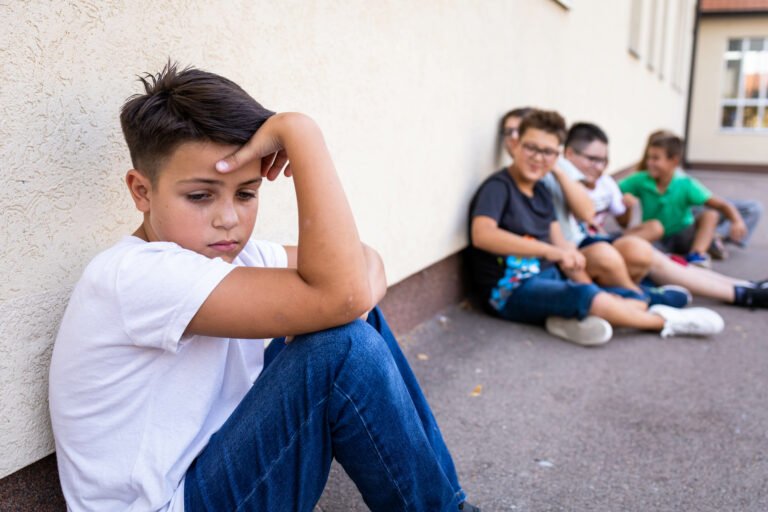

A student shares a photo that was meant to stay private. A game chat turns nasty. A teen gets a friend request from someone who seems a little too interested in where they go to school. Students spend a large part of their social lives online, and many of the friendship, safety, and self-esteem challenges counselors see start or grow there. These internet safety activities for students help you teach the thinking skills young people need to make safer, kinder choices online, from early elementary through high school.
Internet safety is not only about rules and blocked websites. Students need to recognize risky situations, understand that what they post can last, respond to cyberbullying, and know when to involve a trusted adult. StopBullying.gov notes that cyberbullying can be persistent, permanent, and hard for adults to notice, which is one reason teaching these skills directly matters so much (StopBullying.gov).
What Students Need to Learn About Staying Safe Online
Most internet safety lessons cover a few core skill areas. Thinking about them as a set helps you plan lessons that build on each other across the year.
| Skill area | What students practice |
|---|---|
| Private information | Knowing what not to share: full name, address, school, passwords, location |
| Digital footprint | Understanding that posts, photos and comments can be saved and shared |
| Safe contacts | Recognizing when an online contact or request doesn’t feel right |
| Cyberbullying | Knowing how to respond, save evidence, block, and report |
| Kind online choices | Thinking before posting, and including rather than excluding |
| Asking for help | Telling a trusted adult without fear of losing their device |
Internet Safety Activities for Elementary Students
Younger students are often using tablets, games, and video apps before they have the words to describe online risks. Keep lessons simple, concrete, and reassuring, with a strong focus on telling a trusted adult.
1. Private or OK to Share?
Make a set of picture or word cards: favorite color, home address, pet’s name, password, school name, favorite food. Students sort them into “OK to share” and “keep private.” Talk through the tricky ones, like a pet’s name, which can sometimes be used in passwords.
2. The Trusted Adult Hand
Ask students to trace their hand and write or draw a trusted adult on each finger. Explain that if anything online makes them feel worried, scared, or confused, they can go to anyone on their hand. Reassure them that telling an adult is always the right choice, even if they clicked on something they shouldn’t have.
3. Stop, Block, Tell
Teach a simple three-step response for anything uncomfortable online: stop (don’t reply), block (if they know how), and tell (a trusted adult). Practice with short scenarios, such as a mean message in a game or a pop-up asking for personal details.
Try this in your classroom: Give each student a “Stop, Block, Tell” bookmark to take home. Ask them to show it to a family member and explain the three steps. Teaching the skill to someone else helps students remember it, and it opens a helpful conversation at home.
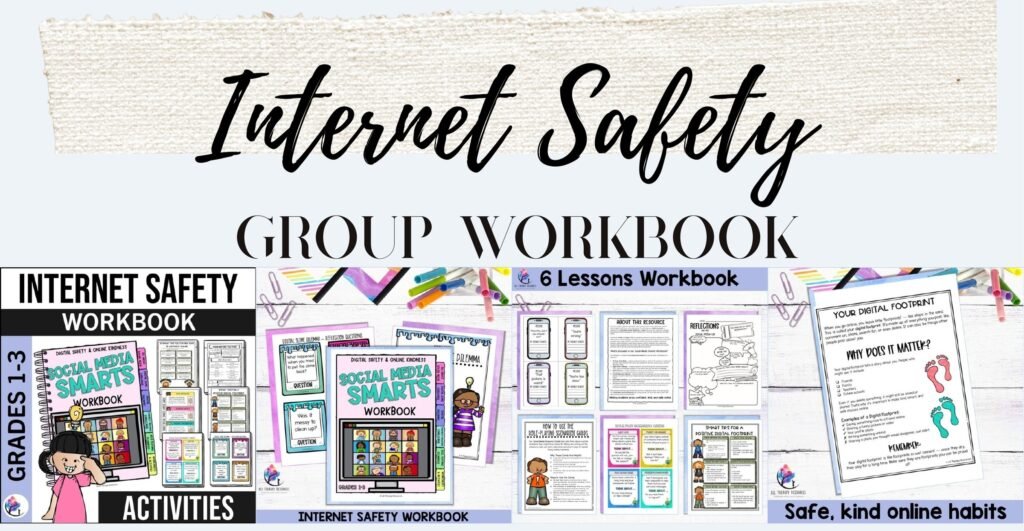
For a structured small group series with younger students, our Internet Safety and Online Safety Small Group Counseling Workbook (Grades 1-3) is written for younger students and covers covering private information, cyberbullying, and safe online choices. It gives counselors a ready-to-run plan for several sessions, which is especially helpful during a busy term.
Internet Safety Activities for Middle School Students
Middle school is often when students get their first phones and social media accounts, and when online drama and cyberbullying become more common. Activities work best when they respect students’ independence and use realistic scenarios.
4. The Digital Footprint Trail
Ask students to imagine a future teacher, coach, or employer searching their name. What would they find? Then give groups a set of fictional social media posts and ask them to decide which ones they would be comfortable with years from now. Discuss how screenshots and sharing can keep content around even after it is deleted.
5. Would You Accept This Request?
Show students fictional profiles and friend or follow requests, with clues that range from obviously safe to quietly worrying (no mutual friends, lots of questions about their school, asking to move to a private chat). Students decide what they would do and explain why. This builds the habit of pausing before accepting a request from someone they don’t know in real life.
6. Cyberbullying Response Plan
Walk through what to do if cyberbullying happens: don’t reply in anger, take screenshots, block the person, report it on the platform, and tell a trusted adult. Then discuss the bystander role: “What could you do if you saw someone being targeted in a group chat?” Our guide to bullying prevention resources for middle school has more ideas for building a supportive peer culture.
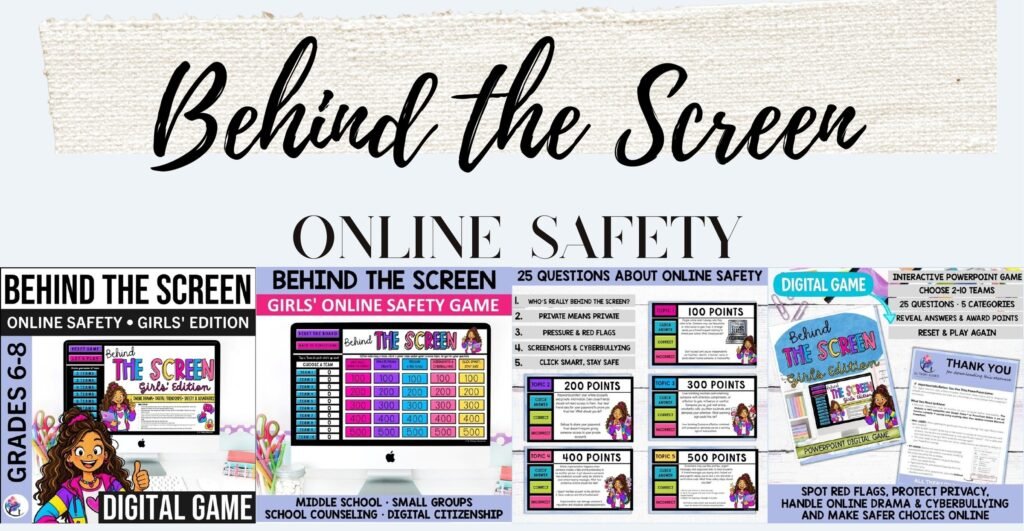
Our Behind the Screen Internet Safety Game for Girls and Behind the Screen Internet Safety Game for Boys bring these conversations to life with realistic scenarios about digital drama, cyberbullying, privacy, and digital footprints. Each version reflects the online situations students are most likely to face, so groups can talk openly and practice safer choices in a fun, interactive format.
Internet Safety Activities for High School Students
Teens often know the rules but face real pressure online, from sharing images to keeping up with constant comparison. Lessons work best as honest discussions that treat teens as capable decision-makers.
7. Pressure and Privacy
Discuss how pressure to share photos, locations, or personal details can show up in friendships and relationships. Practice short refusal scripts (“I’m not comfortable with that,” “I don’t share my location”) and talk about who students can go to if something has already been shared. Keep the focus on support, not blame.
8. The Comparison Check
Ask students to notice how they feel after scrolling for 10 minutes. Then discuss the gap between curated posts and real life, and brainstorm small changes, such as muting accounts that leave them feeling worse. Our article on social media and self-esteem explores this topic further.
Supporting Families With Internet Safety
Internet safety skills are strongest when school and home use the same language. Share the “Stop, Block, Tell” steps with families, encourage regular, calm conversations about online life, and remind parents that students are more likely to come forward if they don’t fear losing their device for telling the truth.
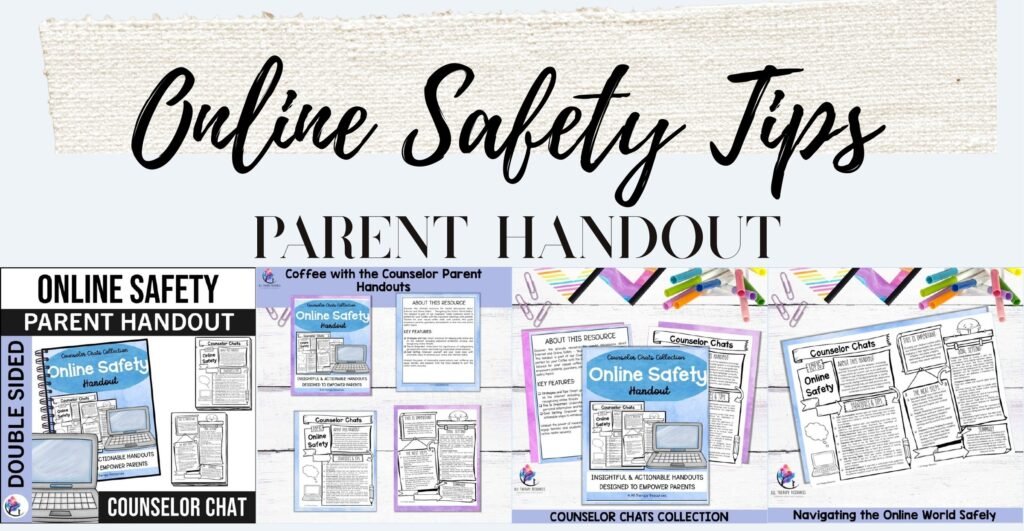
Our Internet and Online Safety Parent Handout is designed for parent workshops or Coffee with the Counselor events, with practical tips families can use at home straight away.
Tips for Teaching Internet Safety
- Lead with curiosity, not fear. Ask students what apps and games they use before teaching rules.
- Make telling an adult feel safe. Students need to know they won’t be in trouble for asking for help.
- Revisit the skills often. Short, regular check-ins work better than one big lesson each year.
- Connect online and offline behavior. Kindness, respect, and boundaries apply in both places.
- Follow your school’s procedures. Anything involving threats, exploitation, or safety risks needs to go through your school’s reporting and child protection processes.
Frequently Asked Questions
At what age should internet safety be taught?
Internet safety can start as soon as children begin using devices, often in early elementary school, with simple messages like keeping information private and telling a trusted adult. Lessons can grow more detailed as students get older.
What are the most important internet safety rules for kids?
Keep personal information private, think before posting, don’t accept requests from people you don’t know in real life, and always tell a trusted adult if something online feels wrong.
How can counselors help students who are being cyberbullied?
Listen and validate, help the student save evidence, support them in blocking and reporting, involve families as appropriate, and follow your school’s bullying procedures.
Can internet safety be taught in small groups?
Yes. Small groups give students space to discuss real situations, practice responses, and support each other, especially when online conflict is already affecting friendships.
Looking for practical, ready-to-use resources for your internet safety and digital citizenship lessons? The All Therapy Resources Membership provides access to a growing collection of thoughtfully developed counseling activities, interactive games, and therapeutic tools designed to save preparation time while supporting meaningful, skill-focused learning.